
What is node.you?
Imagine a clean space where you can post freely, but only those you care about - communities, friends and family - can comment and vote back? No bots pushing misinformation and no manipulative algorithm deciding what you see? A place for your content and real people engaging with it? That's node.you.Nodes
someuser.node.you

Your public-key is available at your code-URL like
someuser.node.you/code
If your node is linked to an active profile, then your node-URL lands there. Otherwise, your node-URL redirects to your code-URL.
Key Custody
You can decide between hosted and self-custody for private-key management.Provider-Custody
- Your private-key is generated and encrypted by your host provider
- No manual key management
- Log into your account to control your node from any device
Self-Custody
- Your private-key is generated and encrypted on your device
- Manually export and backup your key
- You must import your key to any device that you want to control your node from
Services
Services are web-hosted systems linked to your node. Only those you verify can interact with your services.
The first available service is the profile service.Hosting
You can either let us host your nodes and services or host them yourself.
Hosting with node.you
- We'll be your host provider
- Your nodes use our domain
node.you - We host nodes free of charge ¹
- We host services for $5/service/month ²
- Recommended option for non-technical users
- Follow others to build your feed and get verified to interact with others' services - all with just a node
- Service price is locked when you launch your first service with us. Your price will never go up.
Self-hosting
- Be your own host provider
- Your nodes use your custom domain like
someother.site - You manage the cost of running your own infrastructure
- For technical users who prefer being in control of their online services
Self-hosting guide and tooling are in development. The server-side code is already open source.
Profiles
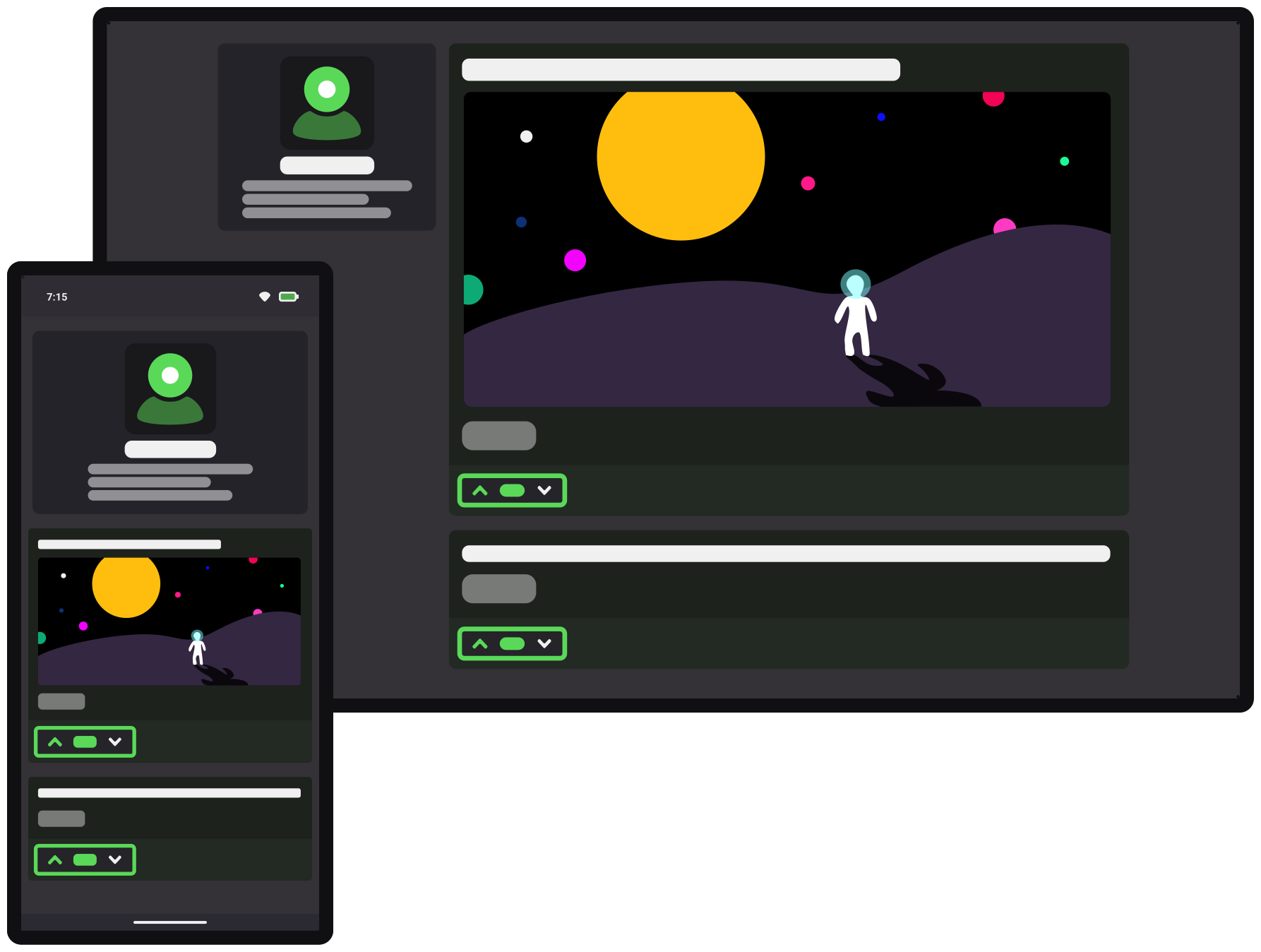
Posts
Posting is how you share content on your profile. You post content for your followers and your verified users can interact with it.
Every post has a title, limited to 300 characters.Body Text
The body text can be much larger, up to 40,000 characters. The mobile app and web clients also support Markdown rendering of the body text.
Visibility
Posts can either be public or private.Public
- by visiting your URL and viewing your profile,
- through sharing to other platforms,
- and via external search.
Private
Attachments
Posts can include different types of attachments.Links
- Specially rendered for emphasis
- Limit 10 per post
Images
- Supports JPEG, PNG, GIF, and WebP
- Limit 20 per post
Videos
- Supports MP4, MOV, and WebM (server trancodes to H.264/AAC MP4)
- Limit 1 per post
1,
2,
3, etc.)
that can be referenced in the body text with the following syntax:
Comment Anonymization
Your profile protects the identities of verified users that comment on your posts. Comments are anonymous unless the viewer has been verified by the commenter.
To prevent others from tracking your activity across profiles, your anonymous ID is different for each profile that you comment on.

someuser.node.you
only if they've verified you,
otherwise you will see an anonymous ID
Authentication
Each profile exists in a container maintaining its own authentication of verified users. You don't use your account credentials to sign-into profiles. Instead, you sign-in by sending the destination profile a valid node signature.
You can sign-into your own profile, or any profile whose owner has verified you.
Browser Sign-in
When you visit a profile directly in the browser, you need to manually sign-in.
The top of the page includes a Sign in option,
and clicking it presents a QR code that can be scanned to submit your node signature:
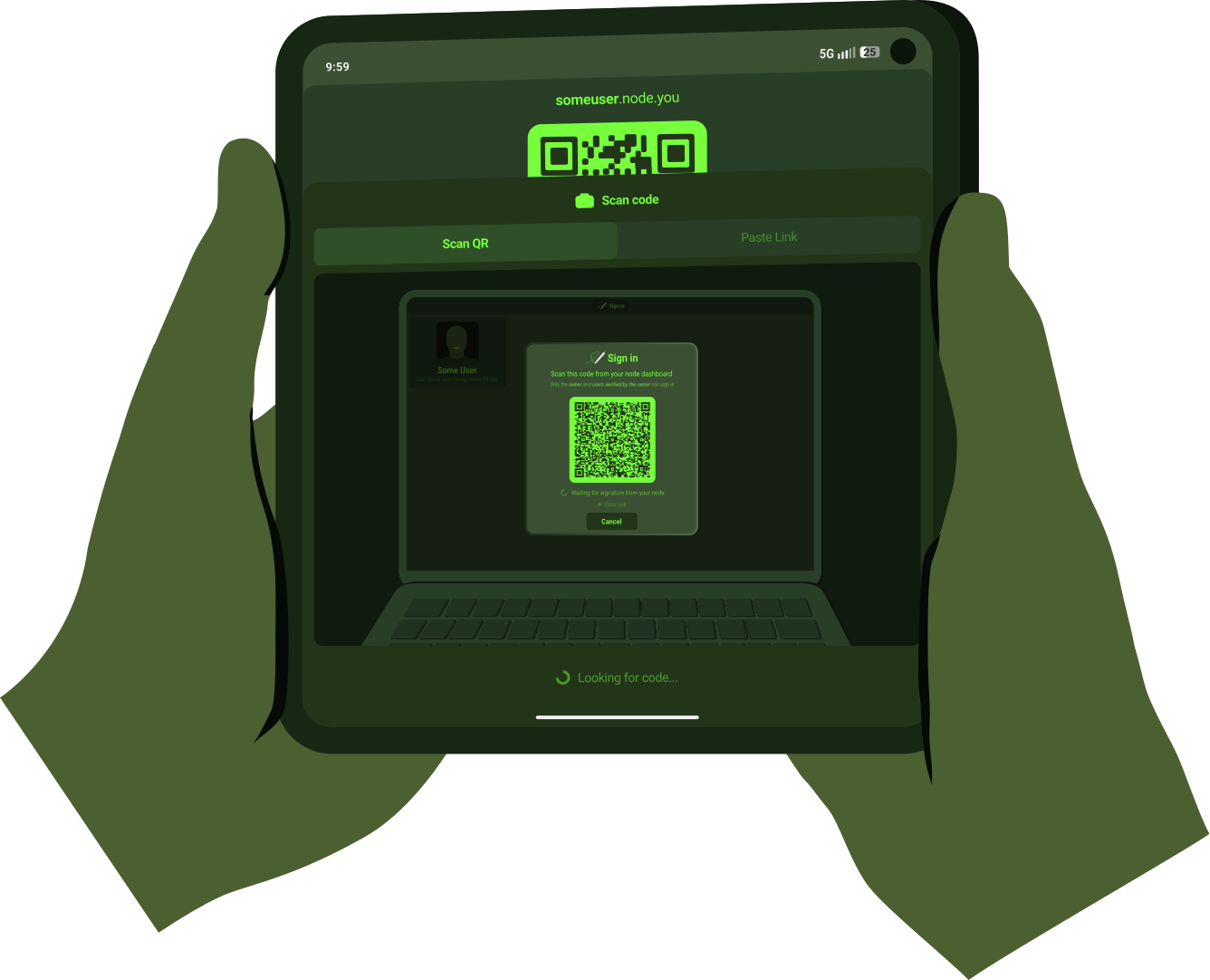 Just scan the code to sign-in
Contacts
Follow
Posts from users you follow appear in your feed. Follow anyone to see their public posts in your feed, no verification needed.
If you're not verified back by a user you follow, you cannot:- Comment or vote on their posts
- View their private posts
Verify
- Comment and vote on your posts
- View your private posts
Adding Contacts
Search for others in theAdd contact interface:
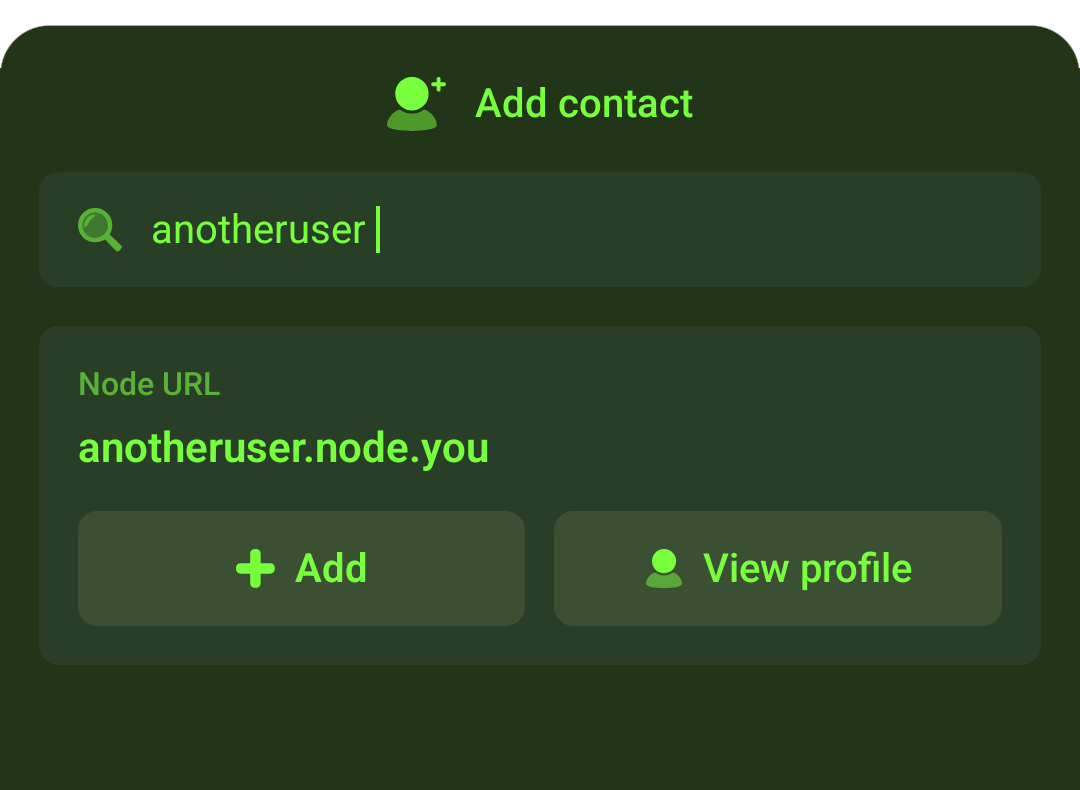 Press
Press Add to reach the confirmation page where you'll be able to follow and verify them
QR Scanning for Convenience
You can also scan someone's QR-code to add them. QR-codes are displayed on profile sidebars and within the mobile app.
This option is for convenience. Scanning codes is not required to add contacts since the search option is also available.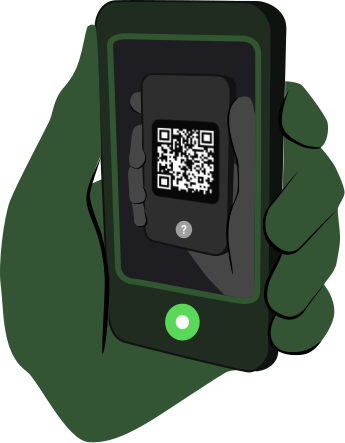 The mobile app prominently displays QR codes for quick in-person scanning
 No bots. Just people.
© 2026 Huntr Software LLC
Coming soon.